
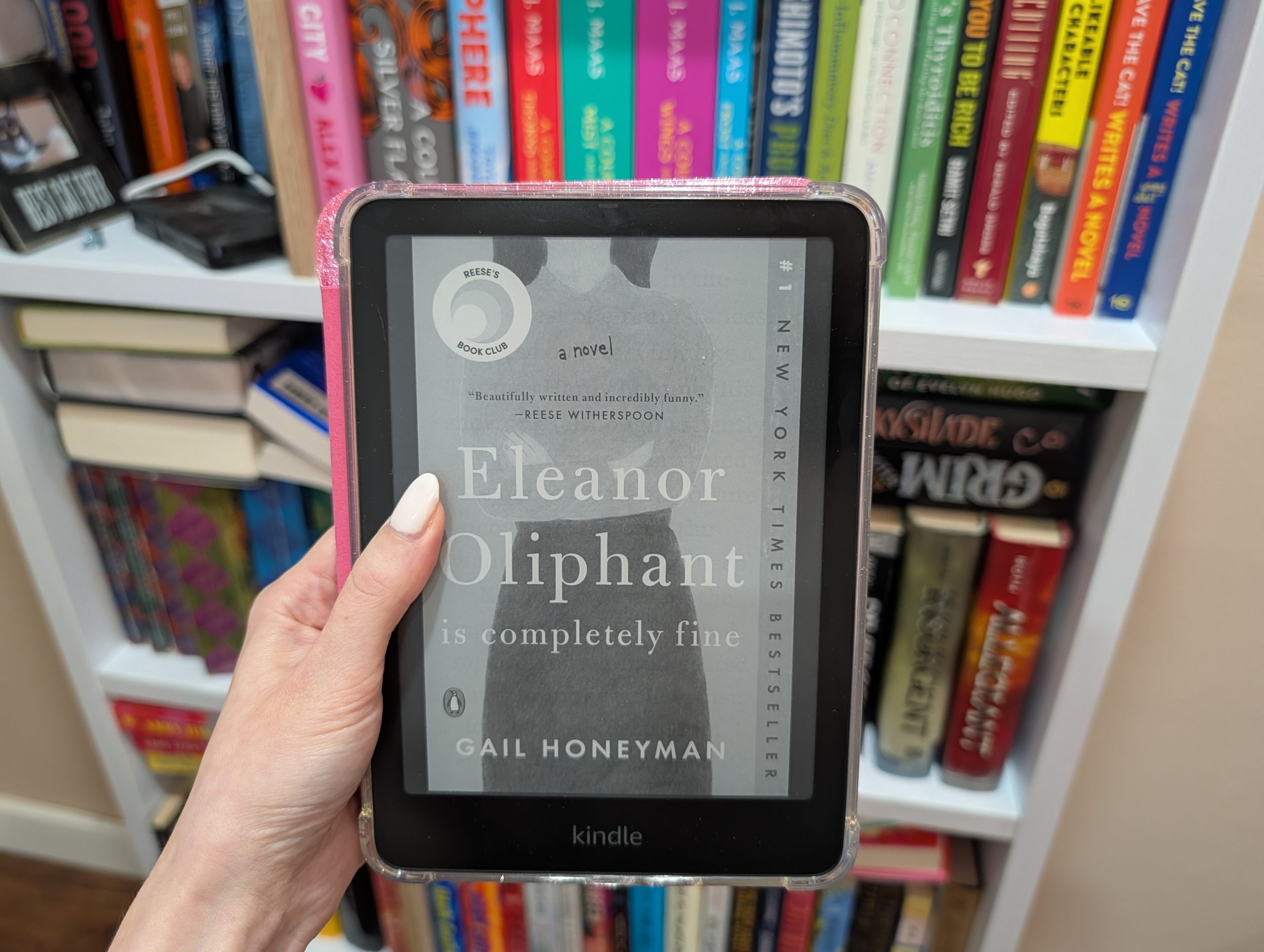
I consider myself an avid reader. Last year, for example, I consumed 36 books. While I enjoy the occasional audiobook, I tend to prefer a physical copy vs a digital one; there’s something oh so satisfying about turning the pages, and how they’re a literal marker of your progress.
So, in the grand debate of “physical book vs. e-reader,” it’s pretty clear where I fall (or fell). Amazon recently offered me the opportunity to test the newest Kindle Paperwhite Signature Edition, which is currently on its 12th generation, and I was intrigued. I accepted the offer, and here we are.
As it turns out, e-readers are pretty darn convenient, but the biggest surprise of all? A certain integration could save you hundreds of dollars per year on books. Not to mention the portability.
Keep reading for a firsthand review of the newest Kindle Paperwhite Signature Edition (12th Gen).
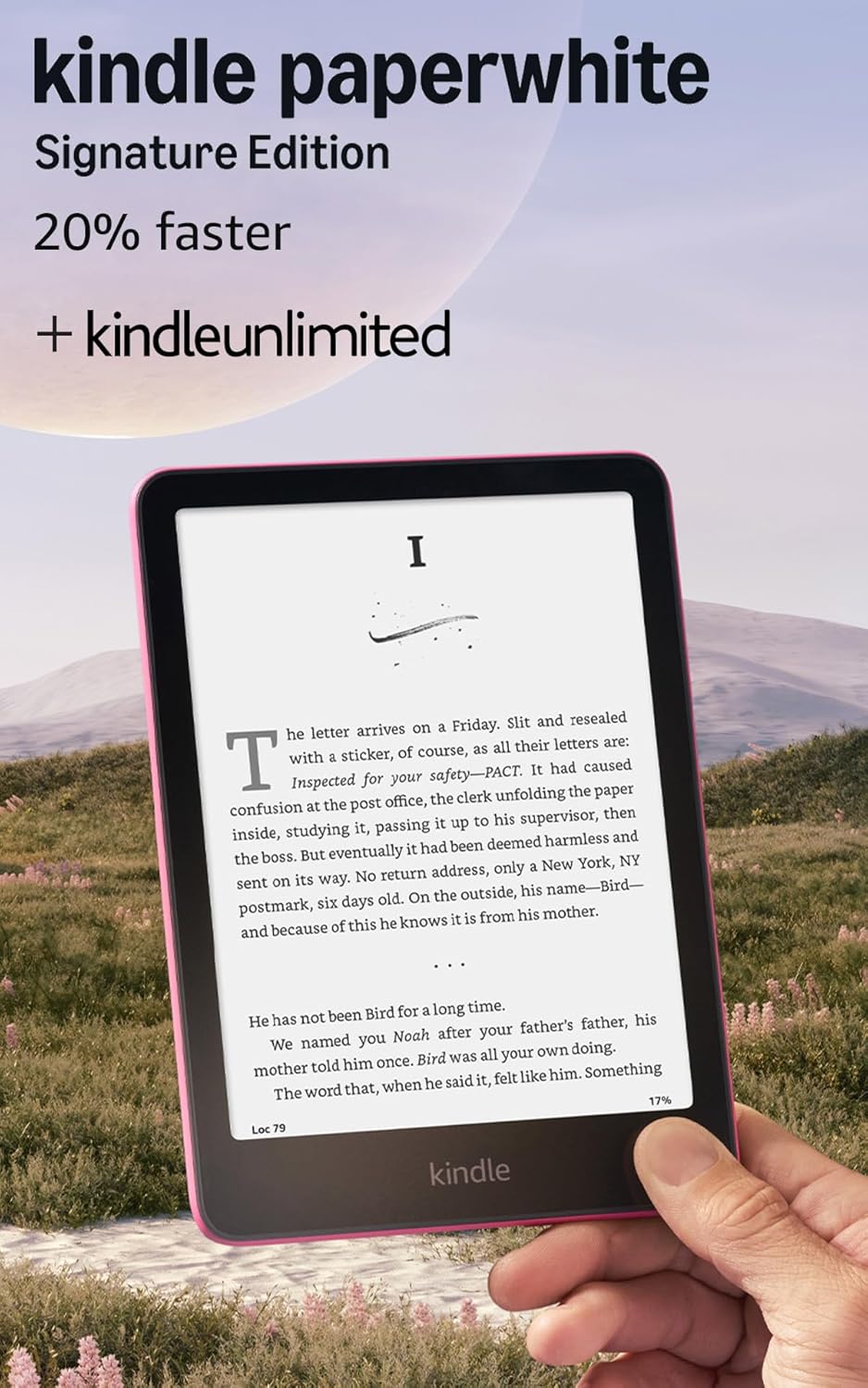
Kindle Paperwhite Signature Edition 32 GB (12th Gen, 2024 Release)
Specifications
- Screen size: 6.8 inches.
- Weight: 7.3 ounces (208 grams).
- Dimensions: 6.9 inches long x 4.9 inches wide x 0.32 inches thick.
- Storage: 32 GB.
- Colorways: Metallic raspberry, metallic jade, and metallic black.
- Charging: USB-C or wireless dock.
- Battery life: Up to 12 weeks.
- Charge time: 2.5 hours.
- Waterproof: Yes.
- Generation: 12 (released in 2024).
- Price: $249.99.
Pros
- Enabled for wireless charging.
- Space-saving design.
- Travel-friendly.
- Long-lasting battery life.
- Holds thousands of books.
- Includes three months of Kindle Unlimited.
- Glare-free display.
- Fast page turns.
- Waterproof.
- No notifications or ads.
- Fully charges in 2.5 hours.
Cons
- USB-C power adapter not included.
- You don’t “own” the e-books you license.
- Only displays black and white.
- Kindle Unlimited isn’t actually unlimited.
Unboxing and First Impressions
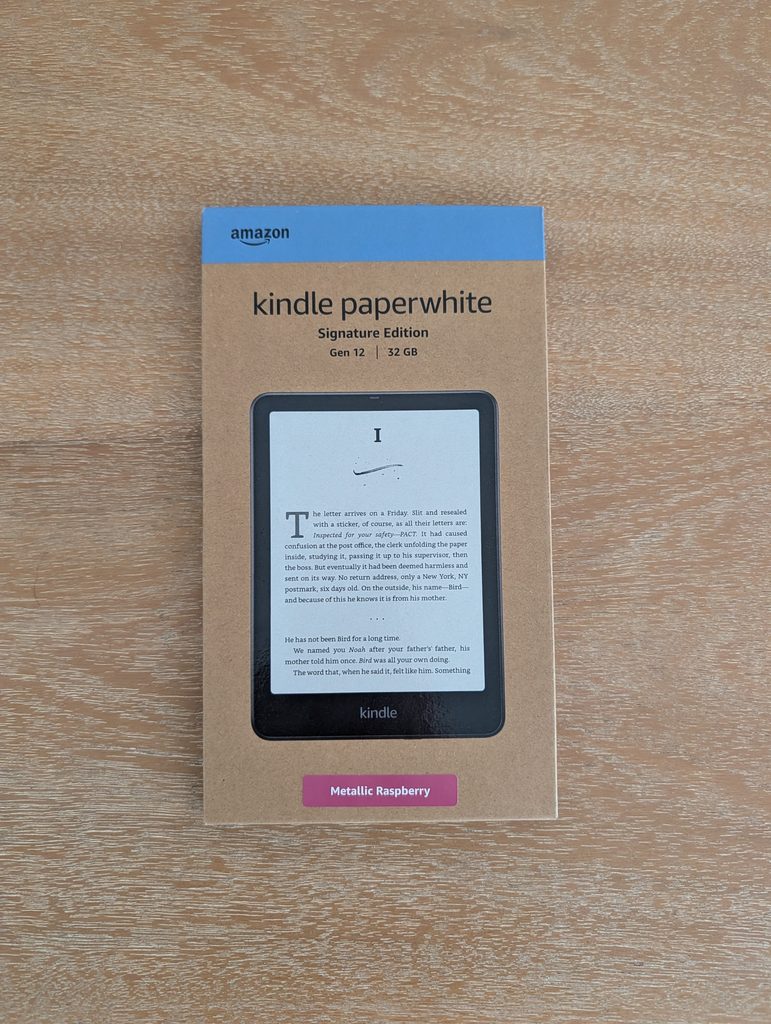
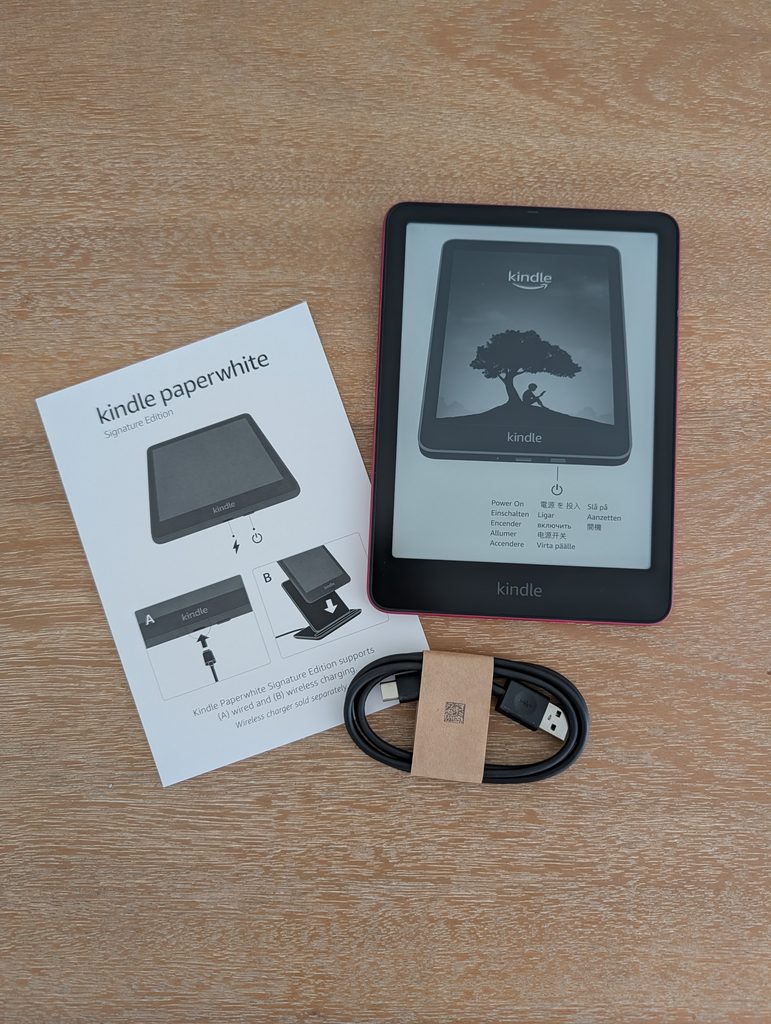
The box itself is slim…very slim. No excessive packaging here!
As for the contents of said box, those are slim, too. Inside you’ll find the device itself along with an instruction manual and USB-C cable for wired charging. It does not include the cube-shaped wall adapter needed to plug into the wall (which is inconvenient yet typical for electronics these days), so you’ll need to conjure one yourself. My computer has USB-C connectivity, which is how I charge mine, but you can also use a wireless charging dock.
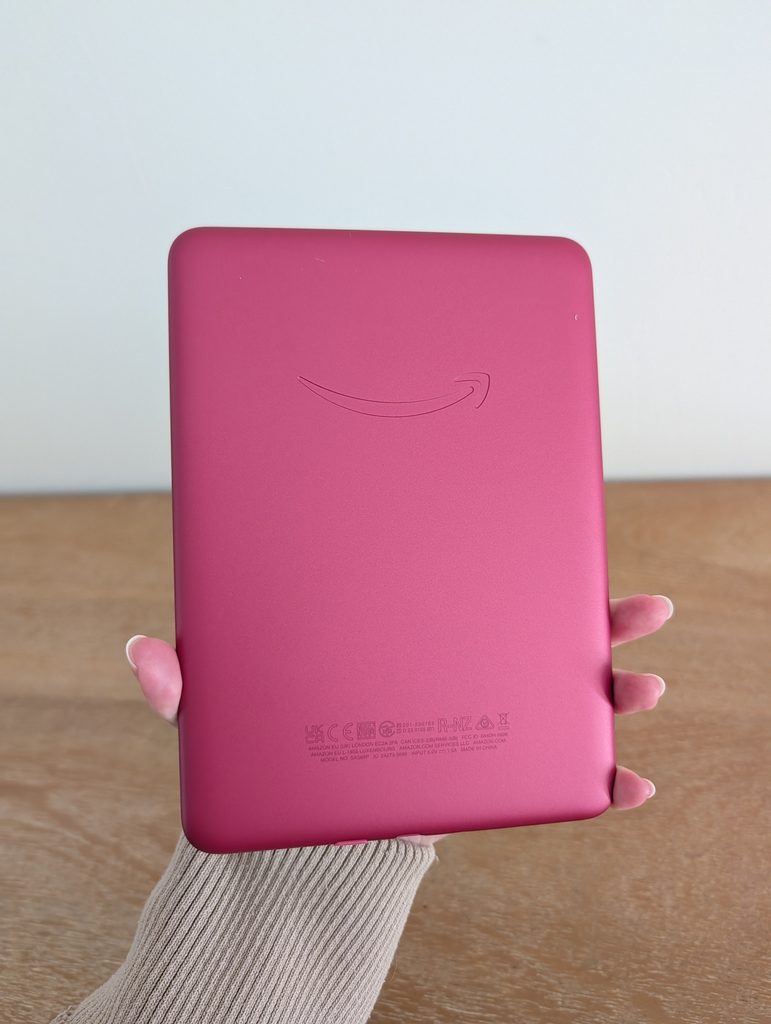
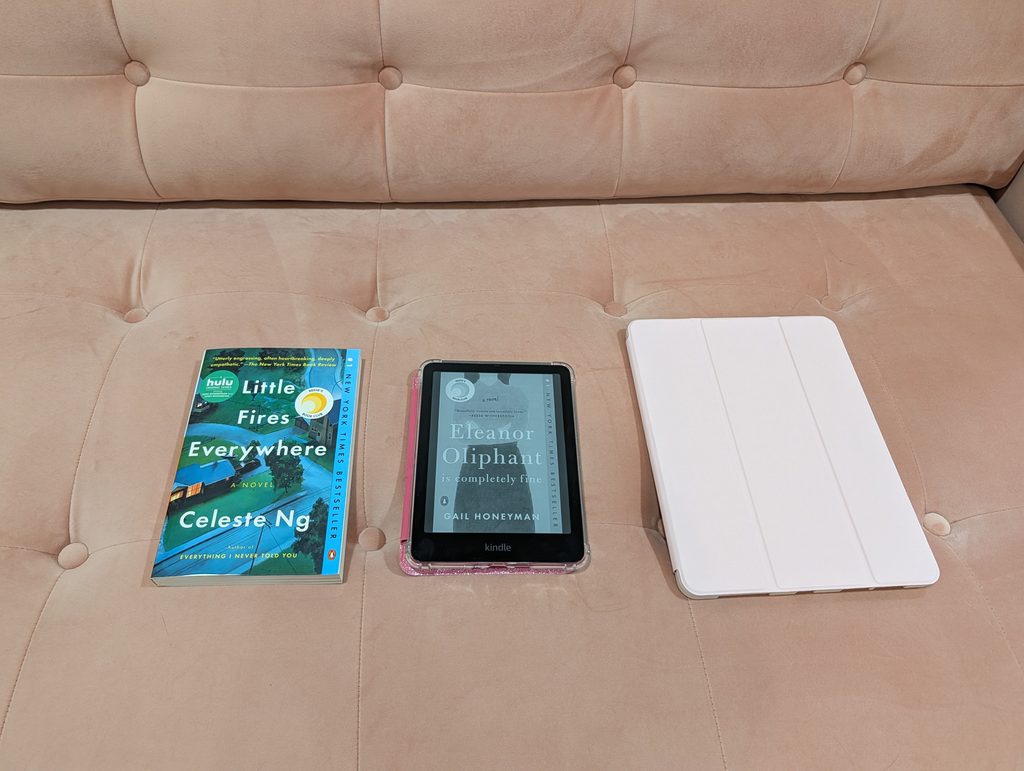
As for first impressions, the Kindle Paperwhite Signature was smaller than I expected, and that’s coming from someone with petite hands! It has a 7-inch screen, which is more than an inch smaller than the iPad mini. It’s also smaller than most paperback books, in my opinion. Like I do with all electronic devices, I purchased a case to keep it protected.
The small size can be a pro or con, depending on how you look at it. Smaller pages mean more frequent page turning, but this device takes up far less space in your purse or suitcase compared to a tablet or physical book. I even traveled with it, which was superior to lugging books around. If you travel often, I’d recommend getting a Kindle for the portability alone.
The Reading Experience
Let’s get to the nitty gritty: What is it like to read on a Kindle when physical books have long been your jam? For a first-time e-reader user, it was refreshingly pleasant and easy to get used to.
For starters, a backlit screen is far more convenient for nighttime reading compared to the book light I was previously using. I was a bit worried about blue light emissions, which could hinder sleep and strain the eyes, but they’re minimal and further reduced by increasing the warmth setting.
I expected a sense of detachment compared to holding a physical book, but I found myself just as deeply immersed. In fact, the Kindle actually enhanced my focus. Bumping up the font size — a trick rumored to boost reading speed — meant each page held only a few sentences, which reduces eye fatigue. I ended up flying through books, completely lost in the story.
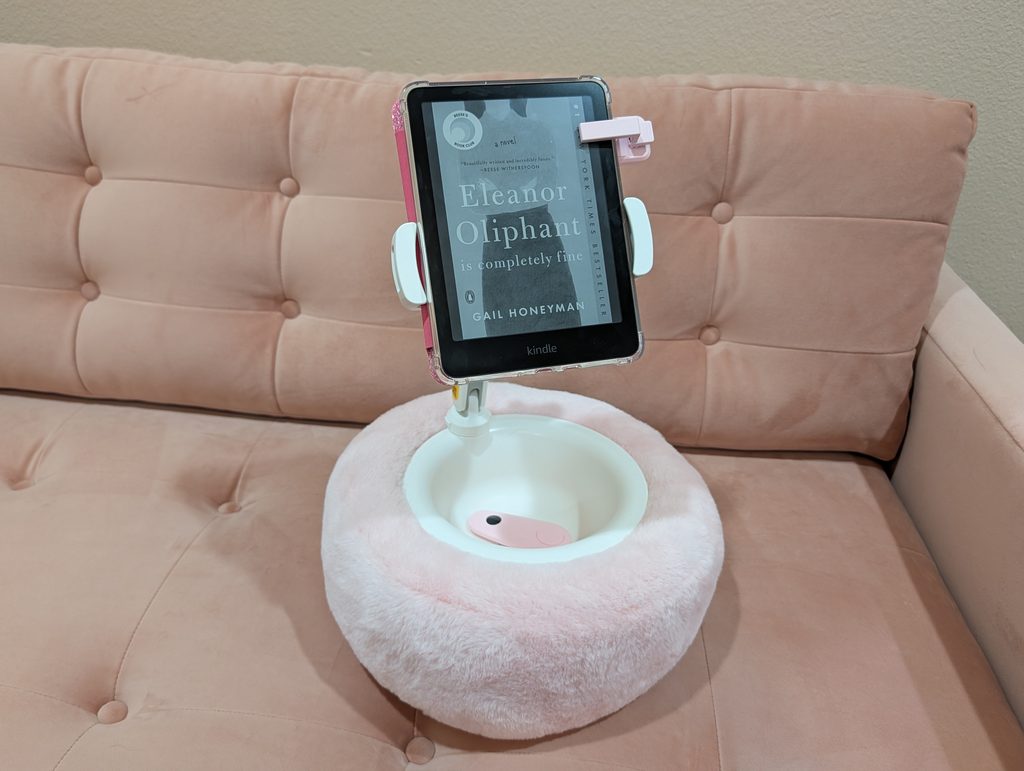
Inspired by videos I’d seen on social media, I also purchased a tablet pillow stand and page turner remote for nearly hands-free reading. This was a game-changer for comfort. I could use the pillow stand to keep the Kindle at eye level, reducing neck strain from having to look down. With this combination of settings and accessories, I read three books in the first week! For reference, I typically finish one book every week or two.
Battery Life and Features
You can technically read e-books on your smartphone or tablet, so why invest in a dedicated e-reader? There are a few perks unique to the Kindle.
For one, the battery life is unbeatable — it could last up to 12 weeks, depending on usage. At the time of writing, my Kindle battery is currently at 61% and I haven’t charged it in over a month. When I travel with it, I don’t even bother to pack the charger.
New users also receive a free 3-month subscription to Kindle Unlimited (worth around $36). The “home page” is essentially just the Kindle store, so this is a nice perk for those just starting out. However, you have to go in with realistic expectations: Not every book is included with the subscription, and you’re capped at 20 books per month.
The ad-free display is another feature worth mentioning. Some Kindles and other e-readers display ads on the home and sleep screens, but the Paperwhite Signature Edition doesn’t. It’s also free from glares and notifications.
There are plenty of settings to tinker around with. Some of the ones I’ve utilized include displaying the time, setting the lock screen to the current book cover, and auto-adjusting the brightness.
Unlimited Reading for $0
At $250 a pop, these snazzy e-readers aren’t exactly a budget find, but avid readers can save money in the long run, and I’m not talking about a Kindle Unlimited subscription. Here’s how to actually access unlimited books.
I’ve now read a dozen or so books for free, and it’s all thanks to a little app called Libby. You can download the app on most smartphones or tablets, but you’ll need a library card to actually use it. Not all libraries offer Libby, so you’ll need to do a little research on your local library system to confirm.
Once you have the Libby app on your phone and you’ve added your library card to it, you can borrow e-books for free and sync them to your Kindle. Boom! You’ve just unlocked a library (literally) of free books. What’s in it for the library? Higher user metrics help the library receive more funds. And yes, authors are paid for those virtual copies of their books.
I’d never used the Libby app before getting a Kindle, but now I’m a huge fan. Some libraries have millions of e-books to browse. While popular books can have long waiting lists, there are always thousands of books readily available to borrow at a moment’s notice.
Final Verdict
If you’re used to buying books one at a time, the Kindle Paperwhite Signature’s $250 price tag can seem steep. So, is it actually worth it? For me, it’s a resounding yes.
Between the hands-free comfort of pairing it with a stand and page-turner remote, the unbeatable battery life, and the sheer amount of money saved using Libby, it easily pays for itself over time. It hasn’t just replaced paper — it’s made reading more accessible and enjoyable in my daily routine.
That said, becoming an e-reader convert doesn’t mean giving up physical books entirely. My bookshelves aren’t going anywhere, and there’s still a tactile magic to paper that digital can’t replace. But, as a primary reading device for travel, nighttime reading, and library borrows, the Kindle Paperwhite Signature Edition has earned a permanent place in my rotation.
Kindle Paperwhite Signature Edition 32 GB (12th Gen, 2024 Release)
Frequently Asked Questions
You can save about $100 by opting for the basic Kindle, but you’ll sacrifice half the storage and an inch of screen size. Opt for the basic Kindle if compact size and budget are important to you. Upgrade to the Paperwhite Signature if you want more screen real estate and capacity for books.
Priced at $250 and $200 respectively, the Signature Edition offers double the storage of the standard Paperwhite with 32 GB, alongside perks like wireless charging and auto-adjusting screen brightness. However, the core features that matter most, such as a crisp 7-inch display and an impressive 12-week battery life, are identical on both models.
With 32 GB of storage, the Kindle Paperwhite Signature Edition can hold thousands of books. Since book size can vary, an exact range isn’t given. However, the 16 GB Kindles can also hold thousands of books. Keep in mind that audiobooks and graphic novels take up more space than text-based books.
Yes and no. You need a Wi-Fi connection to buy and download books. Once they’re purchased and downloaded, you don’t need Wi-Fi to actually read them.
 for value and practicality.)