
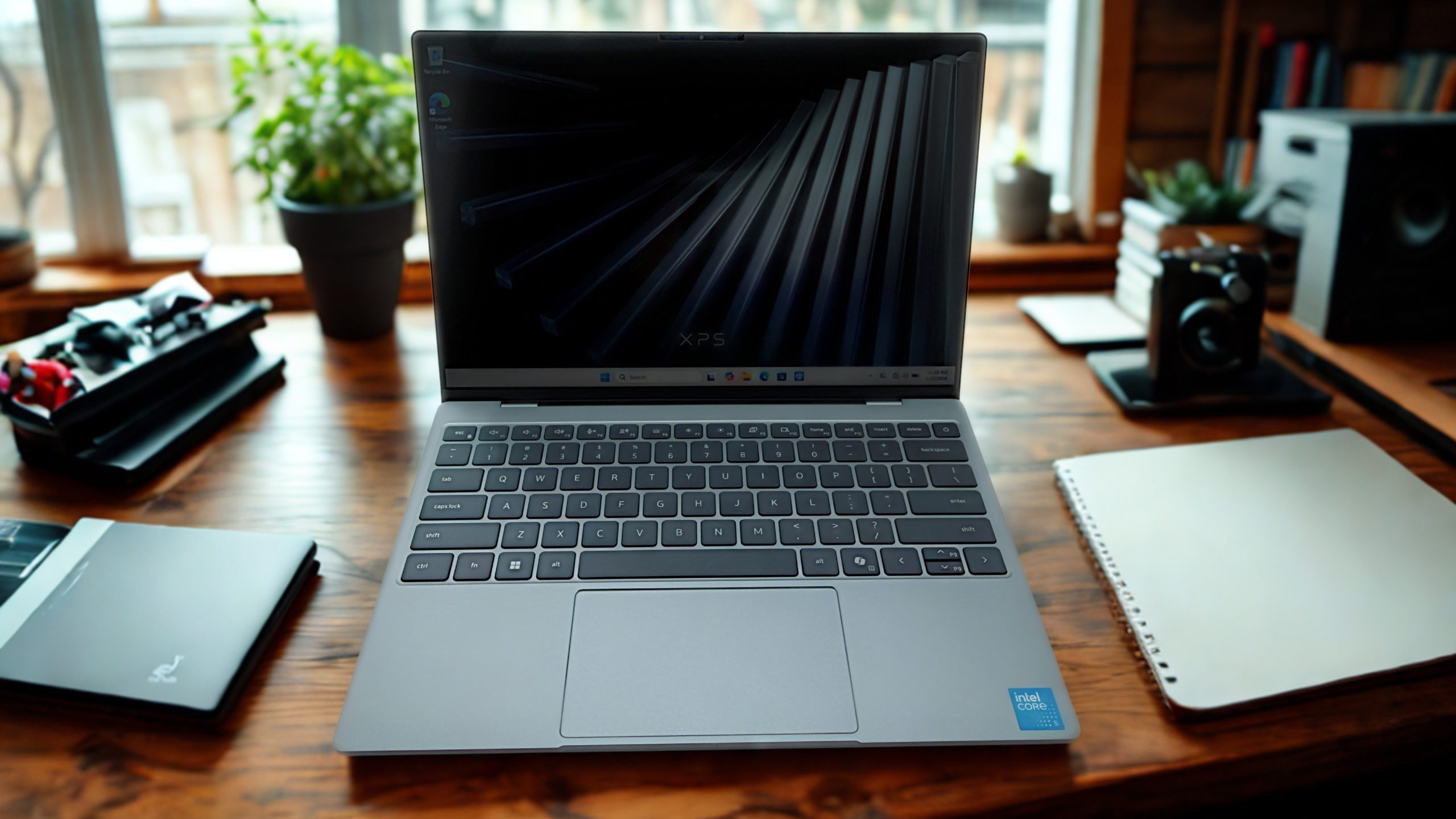
A lot of laptop brands have spent millions of advertising dollars to convince potential users that owning a souped-up, mid-to-high-end laptop is essential. In the past, that was sort of true. Today, however, for the person who needs a thin and lightweight laptop with good battery life to handle everyday computing tasks (like word processing, web surfing, streaming music and video, viewing and editing photos, email management, etc.) a lower-end Windows laptop, like the Dell XPS-13, is likely more than adequate.

Dell XPS-13 Laptop
The sleek Dell XPS-13 checks all of the boxes in terms of meeting the average user’s needs. It can handle everyday computing tasks, offers Copilot AI integration, and it includes a core set of features that make it a very attractive option for around $800. For loyal Apple users on a budget, I continue to recommend the Apple MacBook Neo ($699 to $799), but for die-hard Windows users who don’t want to spend a fortune on a new laptop, I’m really impressed with everything that the Dell XPS-13 offers at its price point.
I want to stress that this laptop is not a good option for programmers, serious gamers, people who will be doing high-resolution video editing, anyone utilizing 3D modeling, or users who need a lot of computing power to manage complex spreadsheets, for example. Dell offers many other really good (albeit higher cost) options that can handle the needs of power users. However, the Dell XPS-13 does provide everything an average Windows laptop user could want, including an impressive battery life and vivid touchscreen display.
Keep reading to learn more about my experience working with and reviewing the Dell XPS-13 Windows laptop.
Specifications
- Price: $799.
- Operating System: Windows 11 Home.
- Processor: Intel Series 3 Core 5 320 (6-Core, 6MB Cache, up to 4.6GHz).
- Graphics: Intel UMA Graphics.
- AI Integration: Microsoft Copilot+.
- Display Size: 13.4-inch touchscreen (with Dolby Vision).
- Display Type: InfinityEdge.
- Display Resolution:: 2.5K (2,650 x1,600 pixels).
- Max. Display Brightness: 500 nits.
- Display Refresh Rate: 30 – 120Hz.
- Battery: 3-cell 52Whr.
- Battery Life: Up to 17 hours.
- RAM: 8GB.
- Storage: 512GB.
- Ports: 2x Thunderbolt 4 (USB Type-C™) with DisplayPort 2.1.
- Keyboard: English backlit keyboard.
- Speakers: Quad speaker system.
- Wireless Connectivity: Wi-Fi 7, Bluetooth 6.0.
- Chassis: CNC aluminum.
- Dimensions: 11.69 inches wide x 7.6 inches wide x 0.5 inches thick.
- Weight: 2.2 pounds.
Pros
- Low cost “starter” Windows laptop.
- Microsoft Copilot AI integration.
- Impressive battery life.
- 13.4-inch touchscreen display.
Cons
- Limited upgrade options.
- The trackpad is not as comfortable to use as the keyboard.
- 8GB of RAM can limit performance when working with large files or multitasking.
A Great “Starter” Laptop for Windows Users
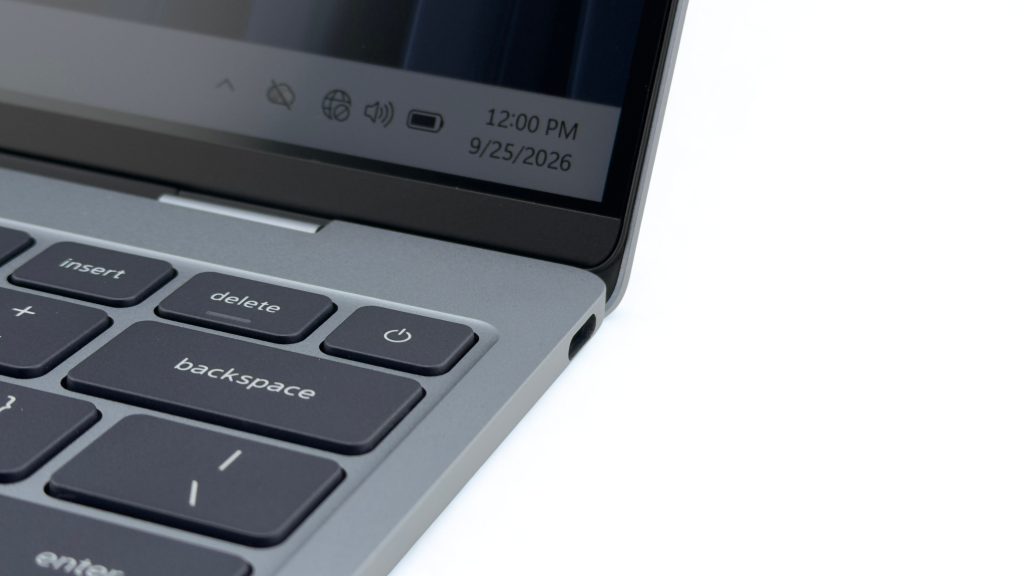
When I first opened the Dell XPS-13’s packaging and held the laptop in my hands, my first thought was, “Awww, cute.” This thing is thin, lightweight, and offers a classy-looking aluminum chassis. I also noticed, however, that the laptop only offers two USB Type-C ports (one on each side of the laptop). So, if you’re using the computer while it’s plugged in to external power, this leaves you with just one available port.
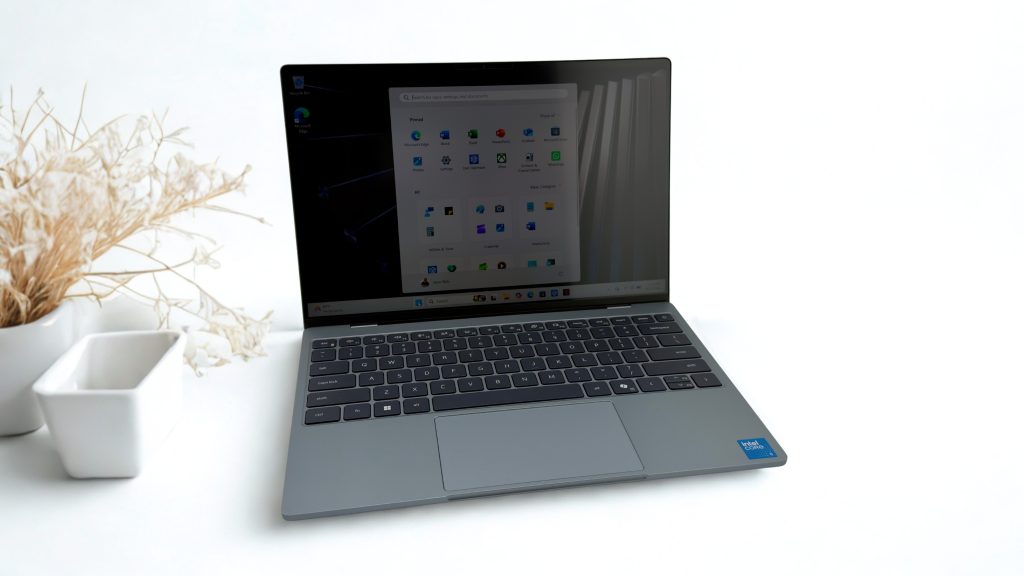
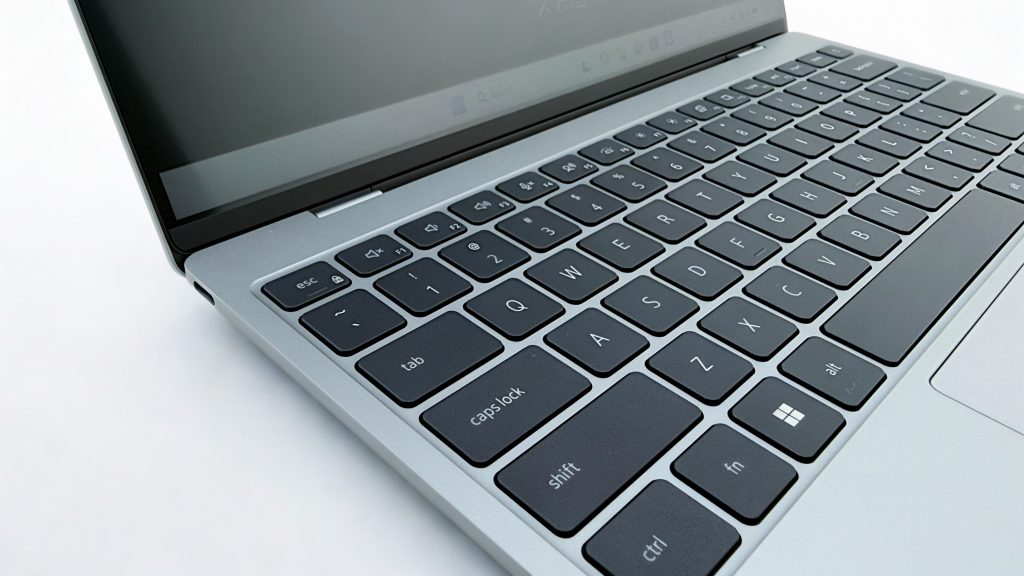
Upon opening the laptop for the first time, what I discovered was a traditional backlit keyboard and a decent size touchpad. As expected, there’s a dedicated Copiliot key to the right of the Space Bar that makes powerful AI tools available at your fingertips. Two standout features are the laptop’s 13.4-inch touchscreen display and quad speaker system. The keyboard itself is very comfortable and smooth to type on. Overall, the laptop performed exactly as expected, considering the potential limitations of the core hardware configuration that includes just 8GB of RAM and 512GB of internal storage.
The XPS-13 comes with the same standard selection of preinstalled apps that traditionally come with Windows 11 Home, including Microsoft Word, Excel, PowerPoint, Photos, Microsoft Edge, Xbox, and more. And, since it’s a Dell, it comes with Dell Optimizer (a well-designed application that makes it easier to optimize Windows settings without needing to become a tech guru). During the initial setup, the automated walk-through process helps users easily import and organize their essential data, documents, files, and photos from another computer.
Like all Windows laptops these days, this one works seamlessly with the Microsoft OneDrive cloud-based file storage service. This is particularly useful due to the limited internal storage offered by the laptop. Of course, it’s easy to connect an external SSD drive for additional local storage, or to use a different cloud-based service (such as Dropbox).
Beyond the apps that come preinstalled, any additional apps that are needed can be added via the Microsoft Store. Plus, any cloud-based apps will run nicely on the XPS-13 in conjunction with the Microsoft Edge web browser (or the web browser of your choice). The laptop uses Wi-Fi 7, so you can expect a fast internet connection, assuming the Wi-Fi hotspot being used supports it.
Working with the Dell XPS-13 Laptop
Even with its less powerful processor, during my testing I had no problem running any of the popular apps that an average user relies on to handle their everyday computing needs. The laptop’s performance is responsive, fast, and met expectations, even when multitasking with two apps running side-by-side. I tried this with Microsoft Word and the Microsoft Edge web browser and experienced no issues.
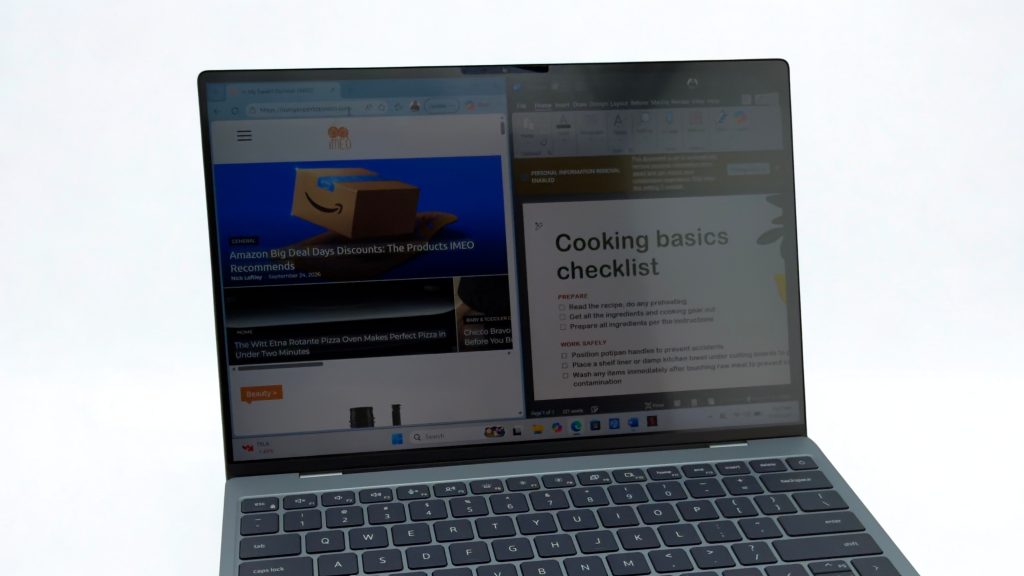
As an entertainment device, the XPS-13 can easily be used to stream audio or video content. Or, with an appropriate app, it can be used as a Kindle or Nook-compatible e-reader. Online gaming, via the XBox app, is also an option for playing simple games that don’t require a lot of processing power. As a communications tool, the laptop comes with WhatsApp preinstalled, but you can also use it with any compatible video calling or virtual meeting app.
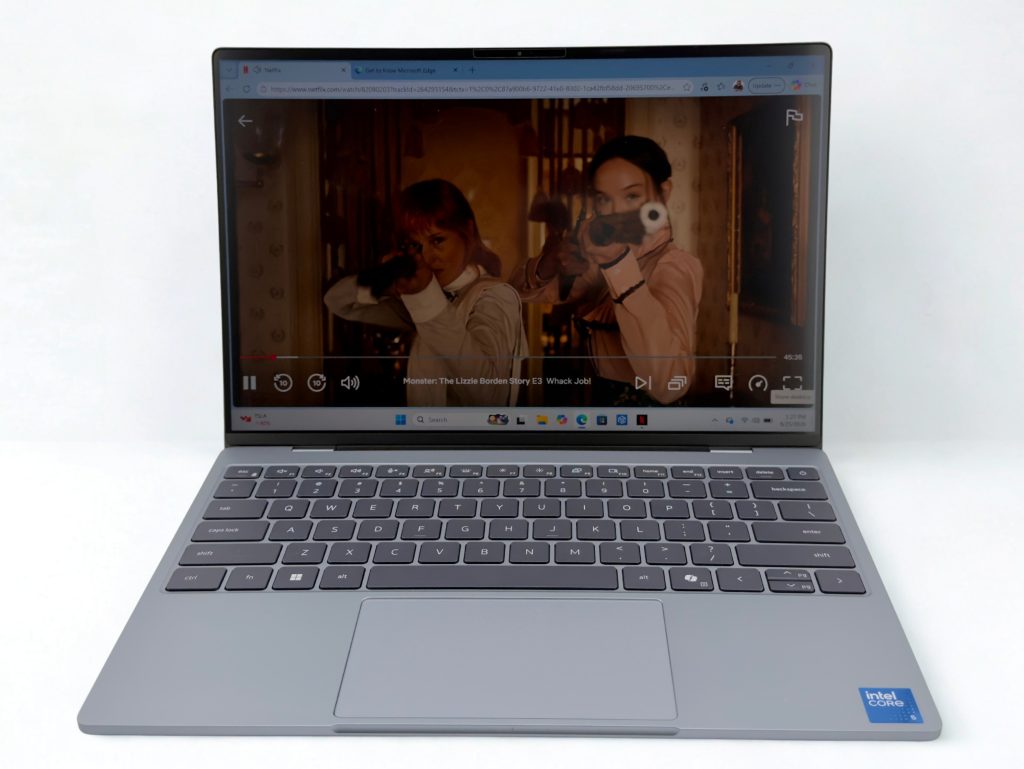
One of the things I tried when testing the XPS-13 was watching an episode of Star Trek: Strange New Worlds on Paramount+ and Monster: The Lizzie Bordon Story on Netflix. The quad speaker system makes audio sound immersive (without needing headphones or earbuds), while the display provides crisp, bright, and color-accurate video images. In most ambient lighting situations, the display’s 500 nits maximum brightness works fine, but direct light reflecting off the display definitely causes some unwanted glare (which is the case with most laptops).
When using some apps, having a touchscreen display is a nice bonus, but not everyone wants or needs this feature. Nevertheless, it’s built into the XPS-13 at no additional cost and it works nicely. I found the touchscreen to be very accurate and responsive, but it’s certainly not a requirement that you use it. Yet another convenient feature is Windows Hello facial recognition, which uses the webcam to identify the user’s face and unlock the laptop without having to manually enter a passcode.
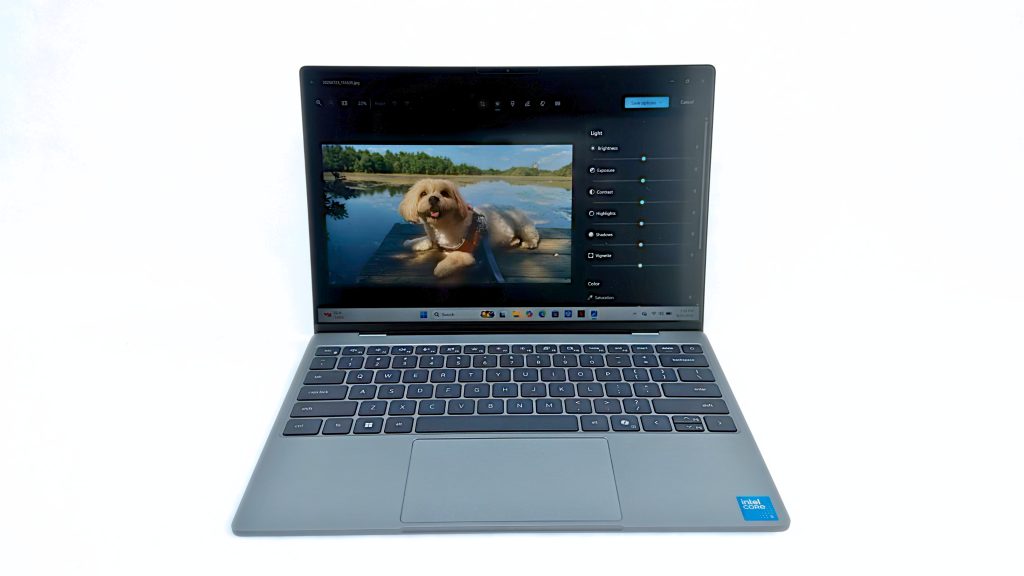
After many hours of testing, I experienced the same computing experience when using commonly used apps as I’ve had using Dell’s more advanced (and more expensive) laptop options. In this case, you get a lot of computing power for a very reasonable price.
Who the Dell XPS-13 Laptop will Appeal To
The Dell XPS-13 is a useful laptop for students, casual computer users, seniors, or remote workers (especially those who rely on cloud-based applications). While the laptop itself offers limited upgrade options at the time of purchase, to enhance the storage and capabilities of the computer, it’s easy to connect optional peripherals and accessories via the computer’s USB Type-C ports, or wirelessly using Bluetooth.
For example, consider using noise cancelling headphones or earbuds when watching video, listening to music, participating in video calls, or while playing casual games. Based on where you’re using the laptop, you might also want to connect an SSD drive for additional local storage, and an optional external keyboard, mouse, and monitor so the laptop can function more like a desktop computer. The 512GB ($130) or 1TB ($250) SanDisk Extreme Fit USB-C Flash Drive makes a nice addition to this laptop for extra storage.
My Final Thoughts: Is the Dell XPS-13 Laptop Worth It?
The concept of an affordable laptop expanded with the introduction of Chromebooks and Chromebook Plus (now called Googlebooks) devices. Most recently, Apple introduced its MacBook Neo, while a handful of brands that offer Windows laptops have introduced lower-end and very affordable options. If you want something easy and that relies heavily on cloud-based applications and Android apps, a Chromebook Plus is a viable option, while the MacBook Neo is ideal for people who want a low-cost laptop that fits into the Apple ecosystem.
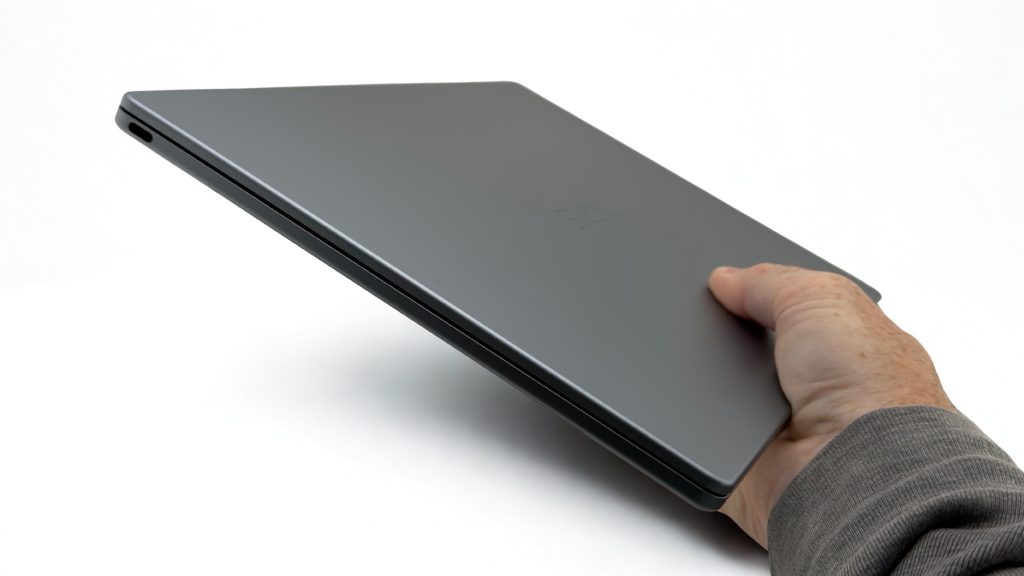
That said, out of all the affordable Windows 11 laptops (with Copilot AI capabilities) I’ve worked with recently, the Dell XPS-13 is among the most impressive based on its design, performance, and overall functionality. Sure, a faster processor, more internal storage, and additional ports would be useful to some users, but these are not an absolute necessity for most average users. And, the $799 list price is certainly very attractive. (Yes, the laptop does go on sale, too. Best Buy recently had it on sale for a limited time for just $599.)
Dell XPS-13 Laptop
With the XPS-13, Dell has introduced a laptop that meets the needs and design preferences of budget-conscious users, while providing access to all sorts of commonly used apps and the latest AI-driven tools. Thanks to its design, extended battery life, and weight, it’s easy to transport and a pleasure to use while sitting at a desk or while on the move.
